
How I Remember Every Thing with Twos
4 min read
9/13/21
“Paper is to write things down that we need to remember. Our brains are used to think.” - Albert Einstein
Problem
- Life is hectic. There is too much to do, too little time, and trying to remember every Thing is impossible.
Solution
- Twos is an app to quickly capture and organize any Thing you want to remember, so you can stop worrying about forgetting Things and start being present.
How I use Twos
Today
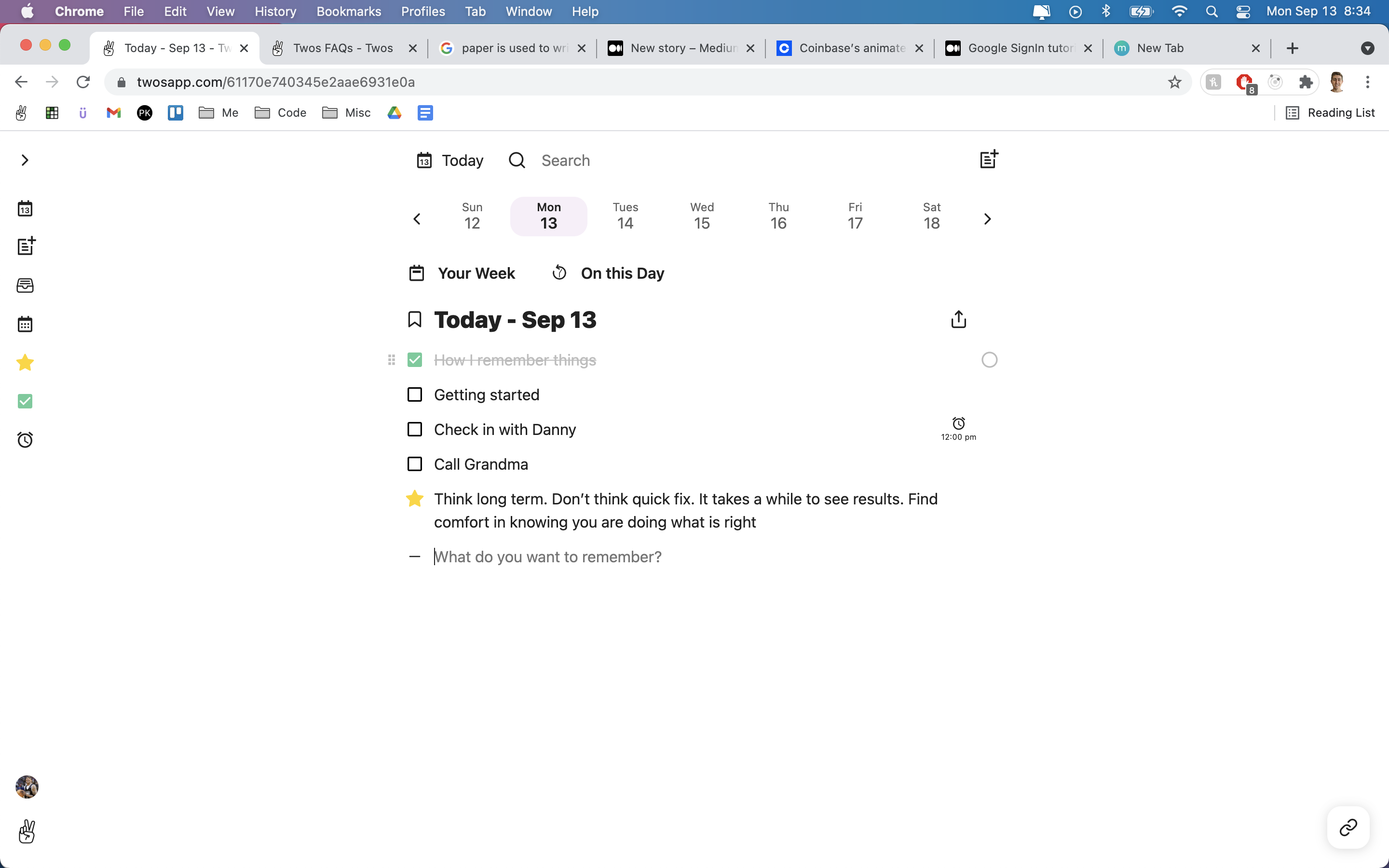
- Every day, Twos provides me with a new List, called “Today,” where I write down any Thing I want to remember: To-dos, reminders, memories, random thoughts (I use Twos as my journal), ...any Thing I don't want to forget.
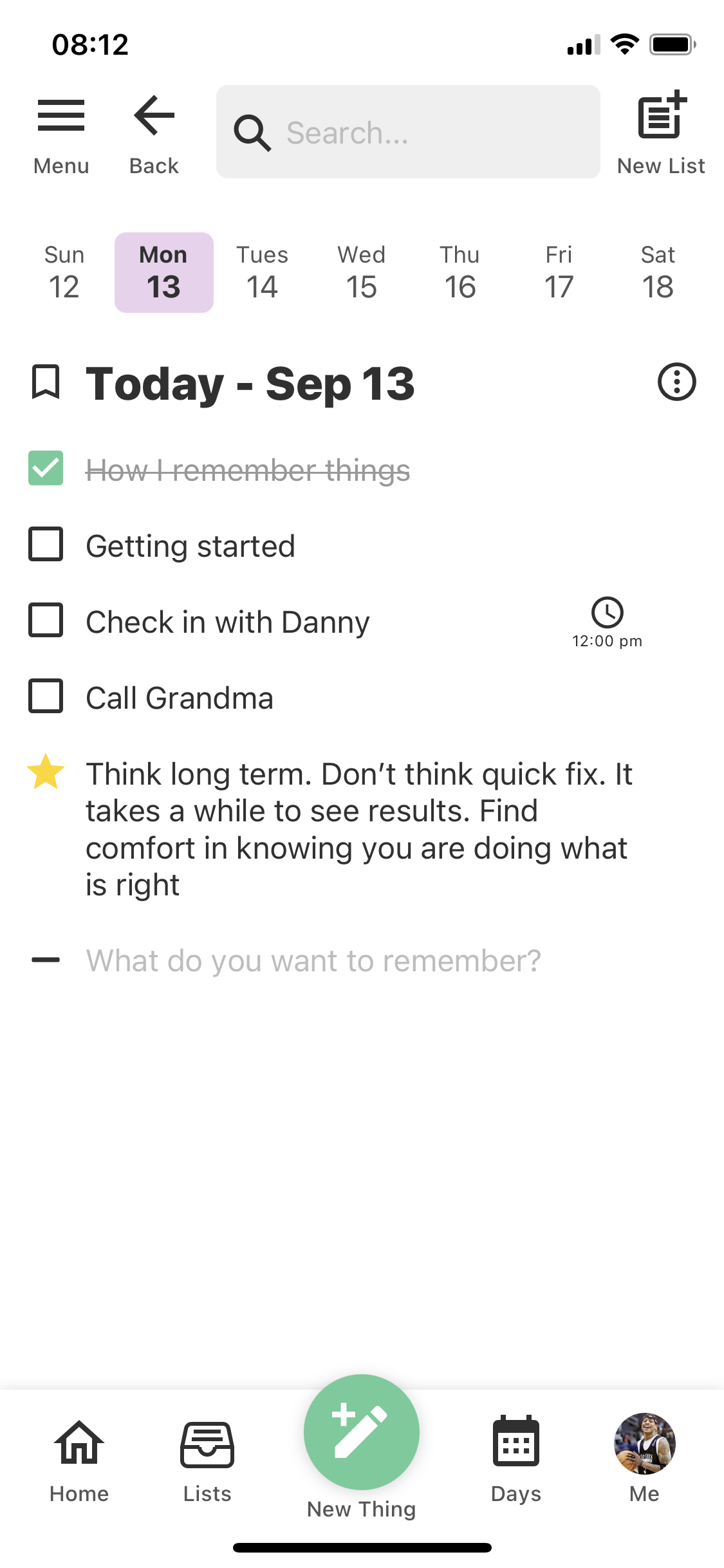
- I start each day with a few Things I want to do, but as the day goes on, I'll jot down new Things I learn and any Thing else I want to remember.
- Side note: each piece of information in Twos is called a “Thing,” so it truly is “the best place to write Things down.”
To-dos
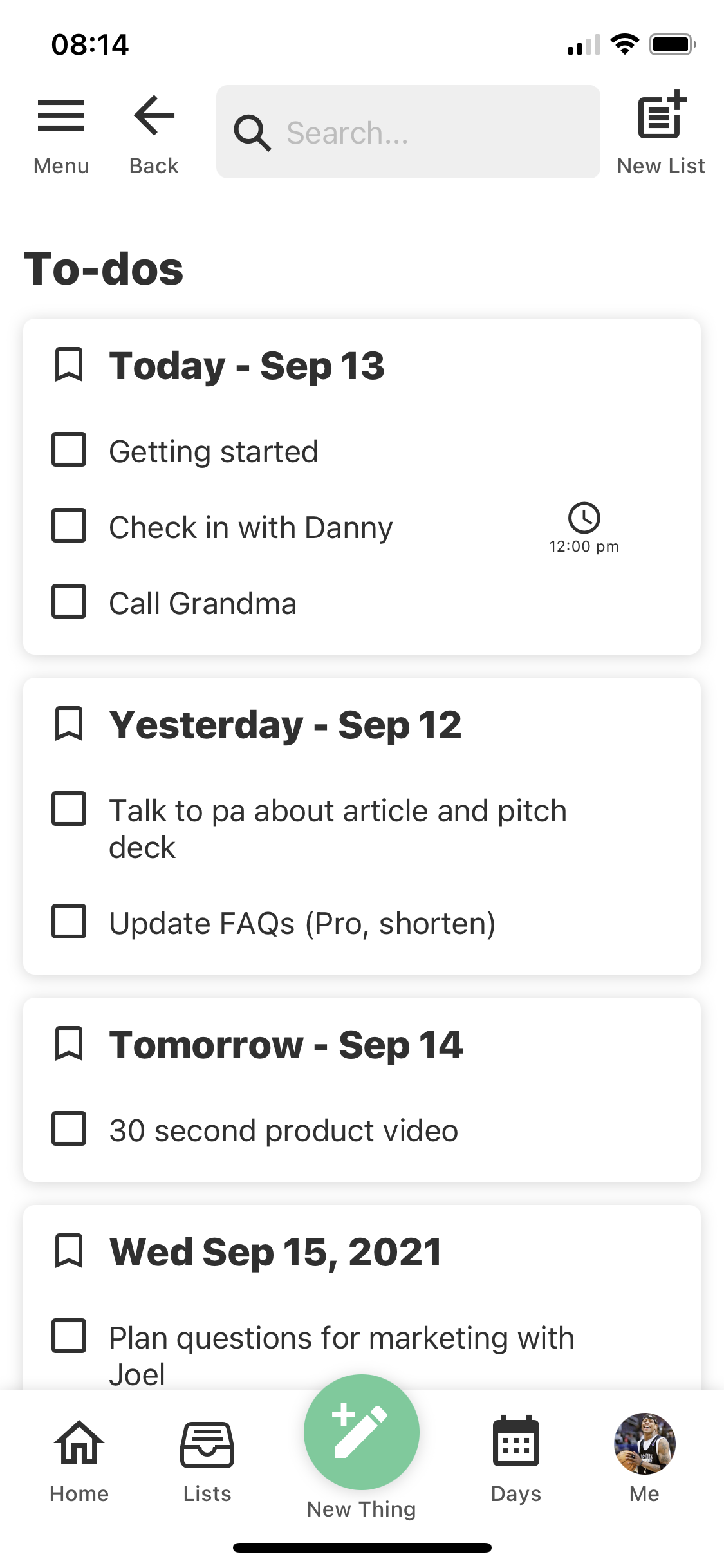
- For Things I need to do, I change them into To-dos. In the Menu, I can see all of my To-dos so I never forget any Thing I want to do.
Lists
- To organize Things in groups, I create Lists (books, grocery lists, projects, goals, trips, etc.).
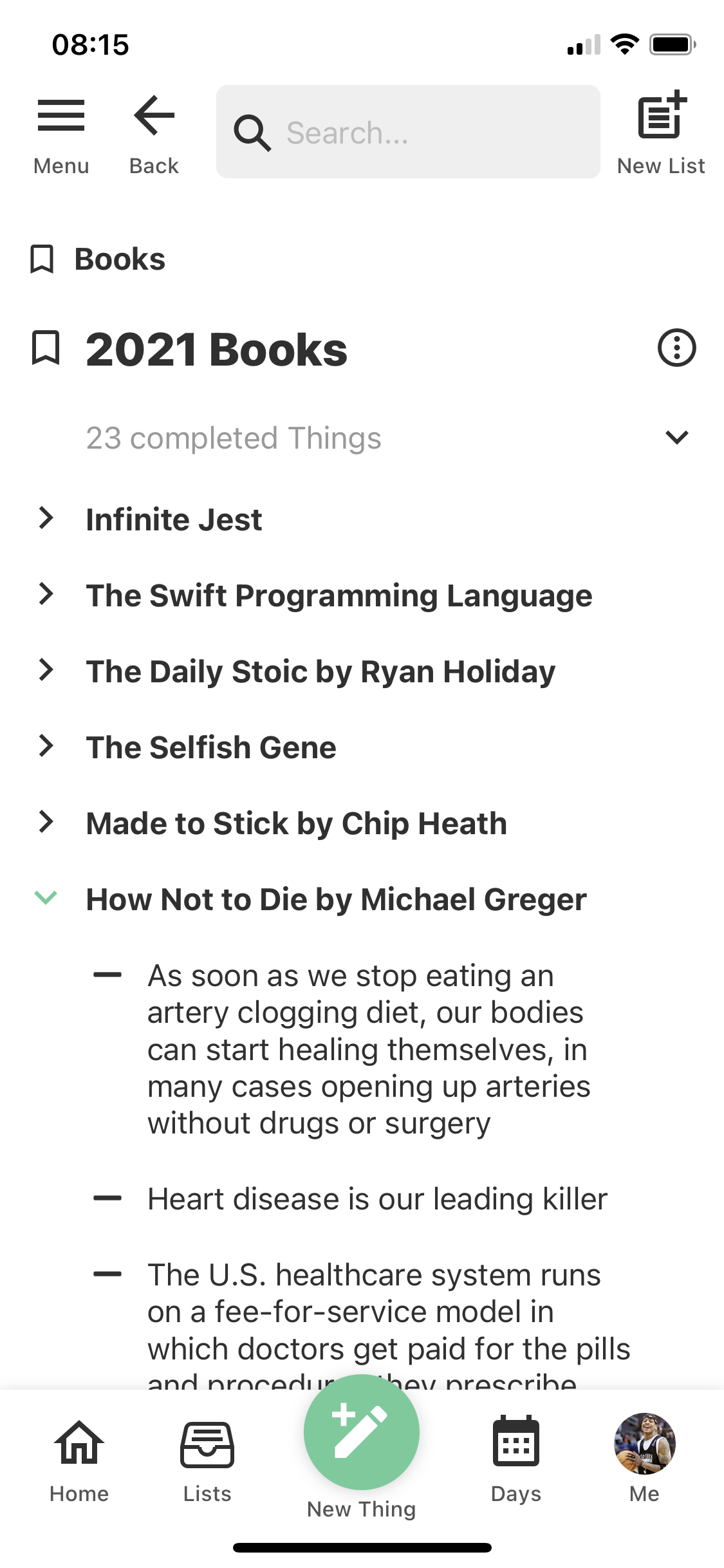
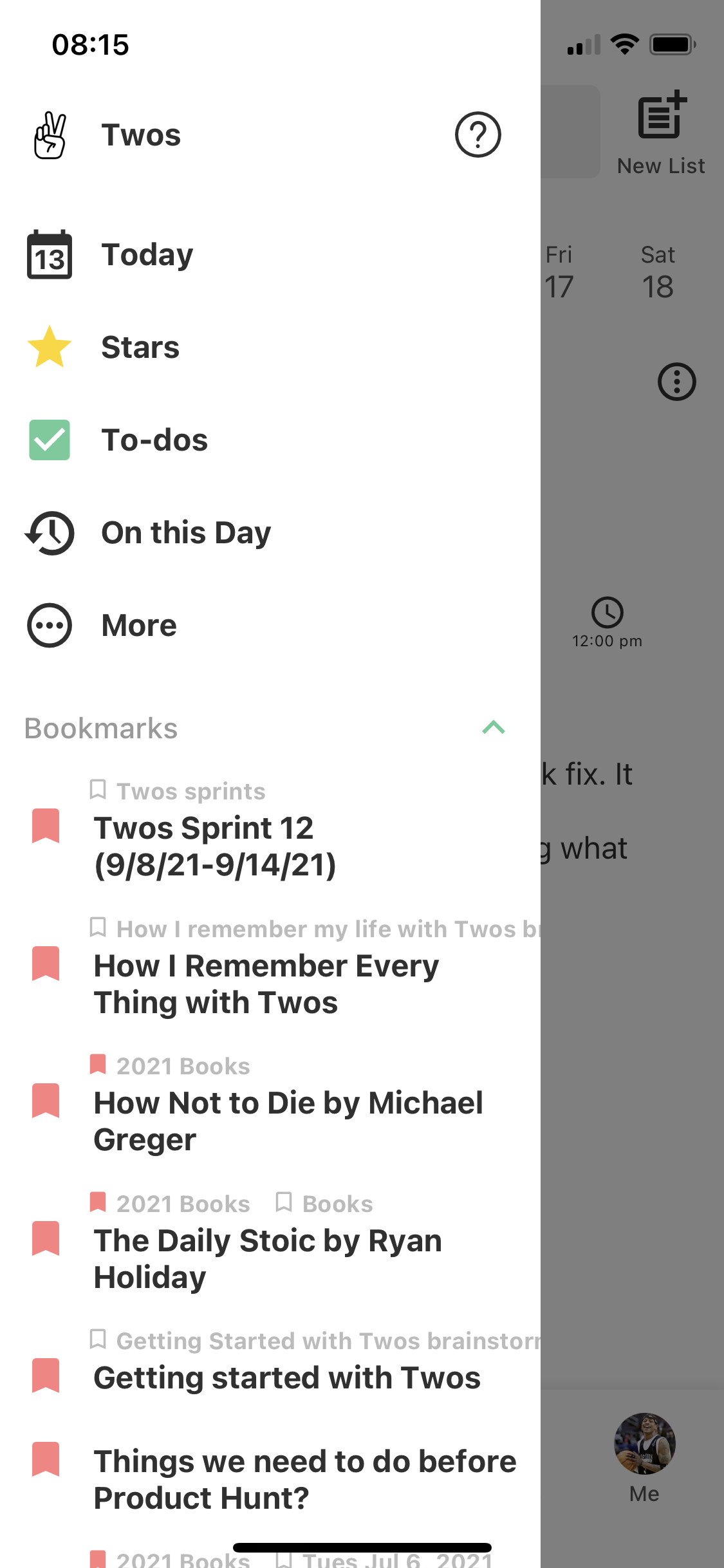
- I create Lists for Things I can use in the future and to brainstorm new ideas and decisions. I bookmark Lists I am actively working on for quick access in my Menu.
Search
- When I need to remember some Thing (links, names, addresses, etc.), I simply use search.
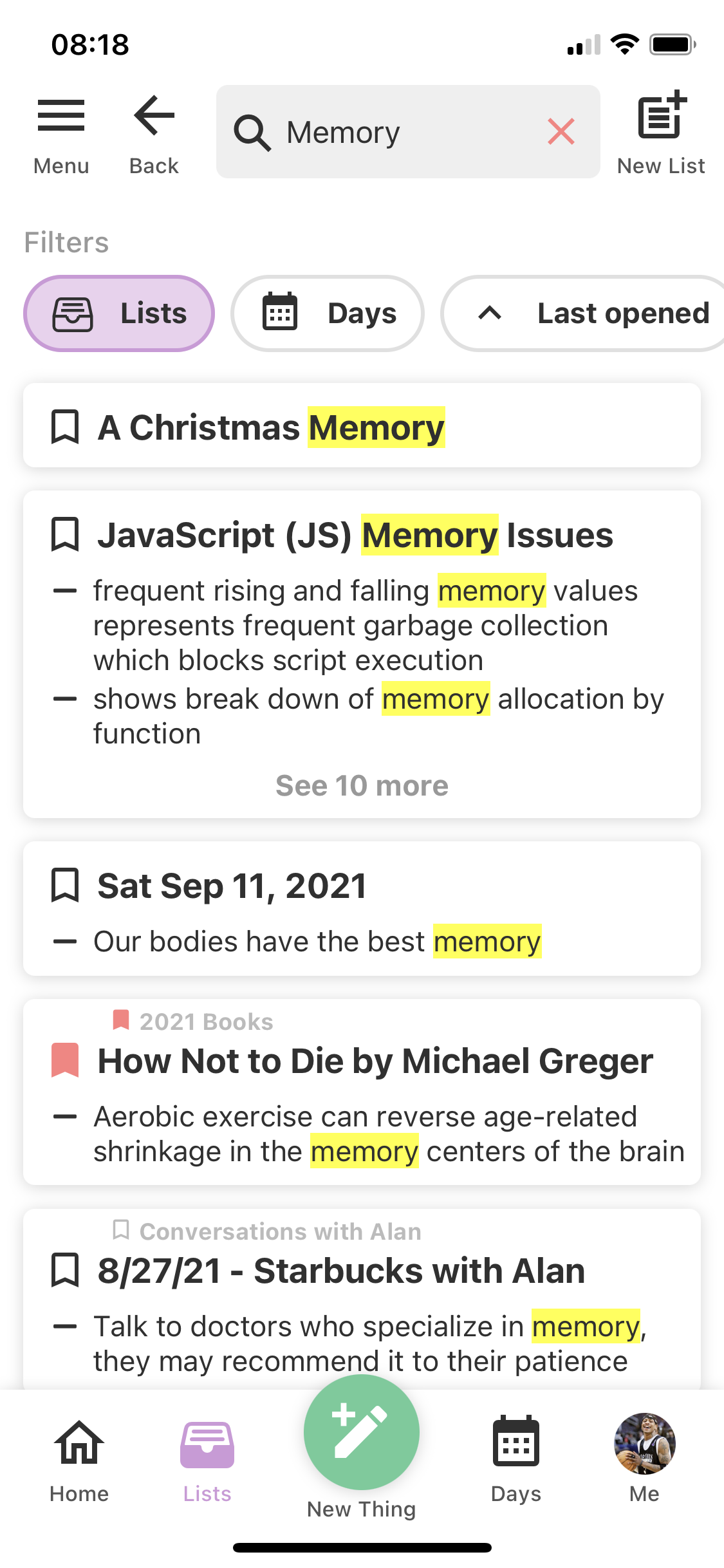
- I can search any Thing in Twos to quickly find what I am looking for.
Select + Move
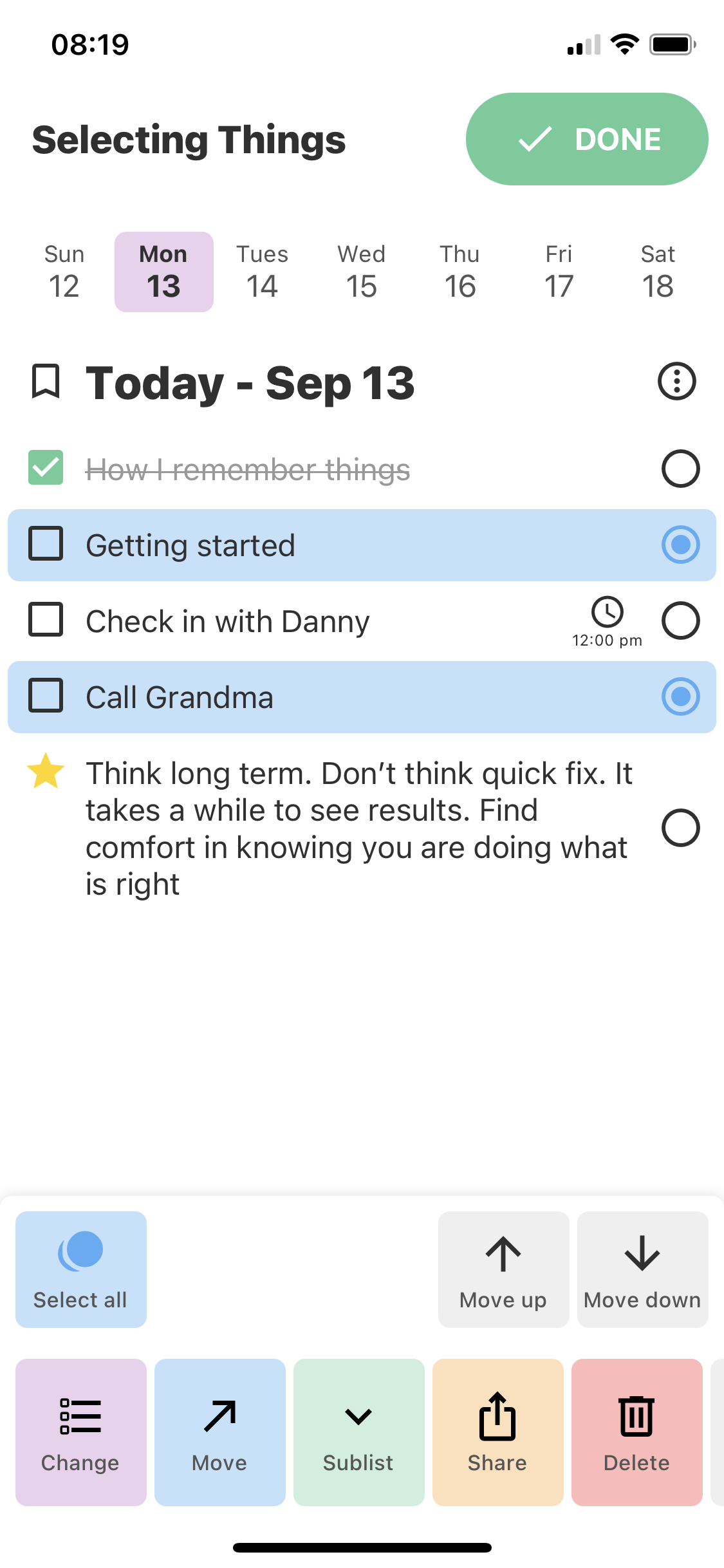
- At the end of the day, I can quickly select and move the Things I don't finish to tomorrow and move other Things to specific lists.
Real-Time Sync
- Because Twos syncs between my phone and computer, I can quickly write some Thing down from anywhere to remember later.
- Lastly, Twos has a few helpful tools to remember Things I'd otherwise forget.
- Stars: all of the Things you've marked with a star
- Your Week: all of the Things I wrote for a given week
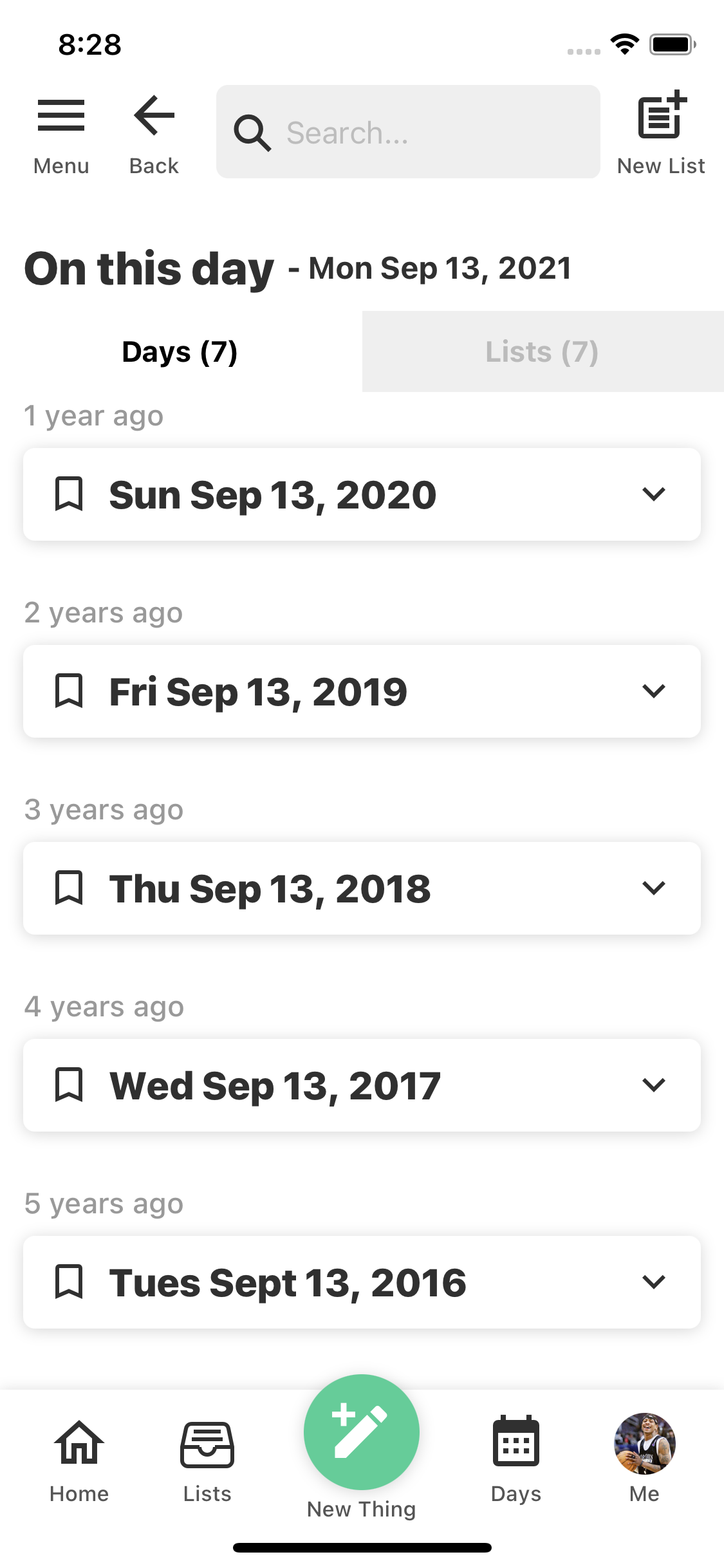
- On this Day (my personal favorite): all the Things I wrote one week ago, one month ago, one year ago, two years ago, etc. (2020, 2019, 2018, 2017, ...)
- There are many other features that make Twos the quickest, easiest, and most organized place to write Things down, e.g. pull-down to load Today, move, reorder, select, share, etc., which I will share more about soon.
Summary
- Twos is the quickest and most organized place to write any Thing you don't want to forget.
- By using Twos, you’ll have a history of your life to go back to and share with others forever.
Use Twos
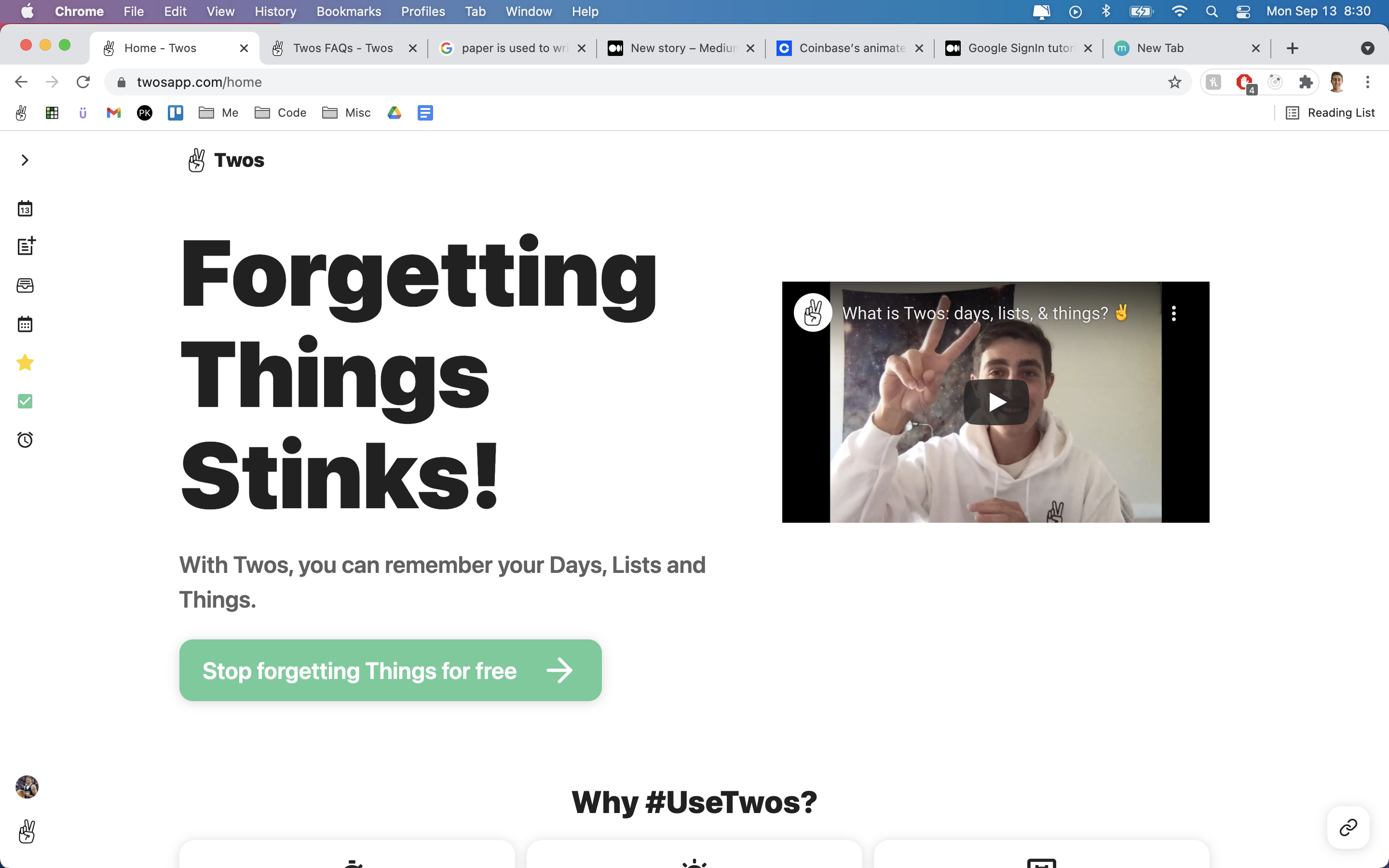
- In any browser: https://www.twosapp.com.
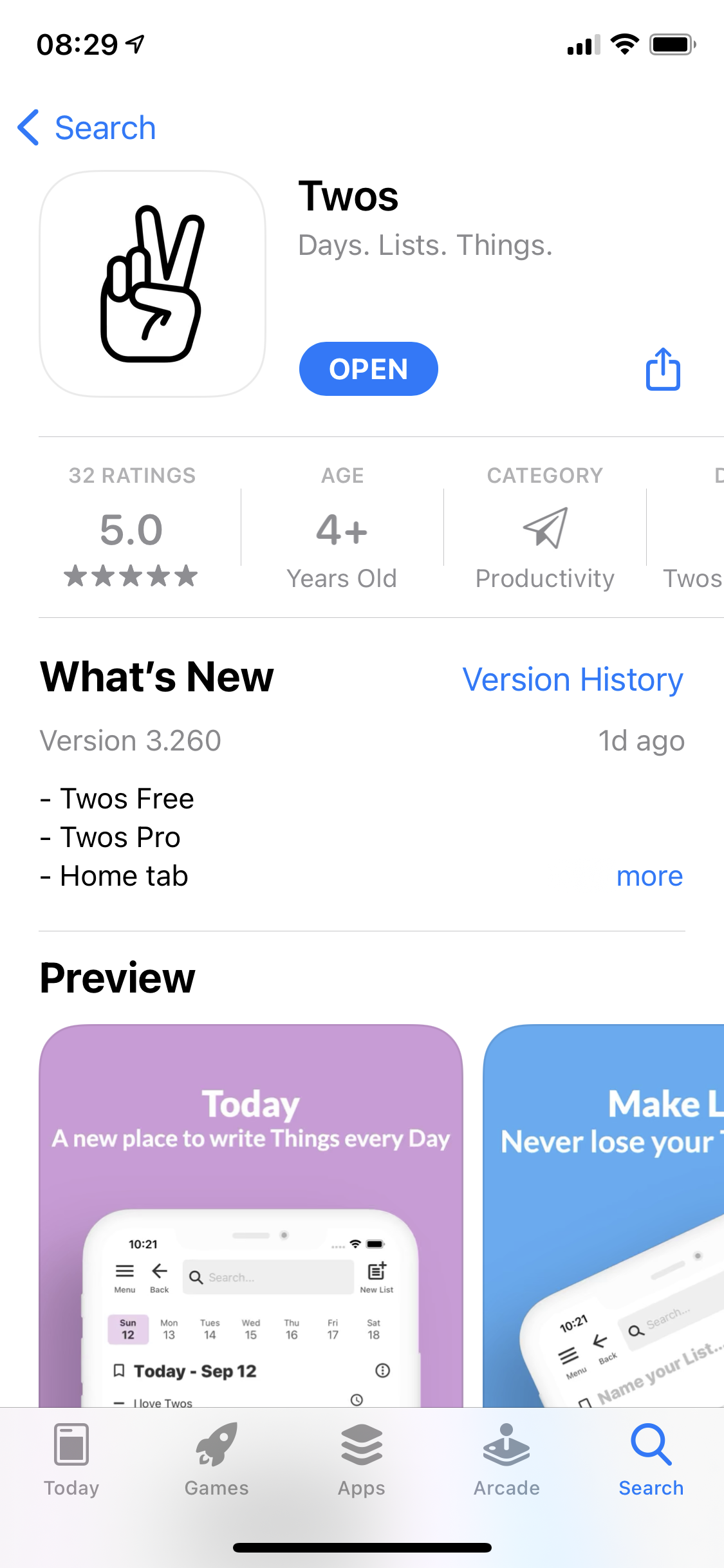
- Download on the App Store: https://apps.apple.com/us/app/twos-lists-and-notes/id1097350934
- Android coming soon :)
Thank you!
Shared from Twos ✌️